
Imagine hitting upload, stepping away, and your audience still seeing you as live. This is the core power of pre-recorded live streaming, also known as simulive.
You create a polished video once, and your viewers experience it like a real live event, complete with reactions, chat, and reach-boosting algorithms.
Why It’s Taking Off in the Coming Years
The live stream market touched $99.82 billion in 2024 and is expected to reach $345.13 billion by 2030.
With pre-recorded live streams, you can upload your video in advance and broadcast it as a real-time event.
This guide will walk you through what a Pre-Recorded Live Stream is, how it works, and the best tools beginners, marketers, small businesses, and educators can use to go “live” without the pressure.
What Is a Pre-Recorded Live Stream?
A pre-recorded live stream, or Simulive (Simulated Live), is a video recorded in advance and then broadcast on a streaming platform (like YouTube or Facebook, or Twitch) at a specific, scheduled time, giving the illusion and anticipation of a genuinely live event.
Real-world Examples of Pre-Recorded Live Stream:
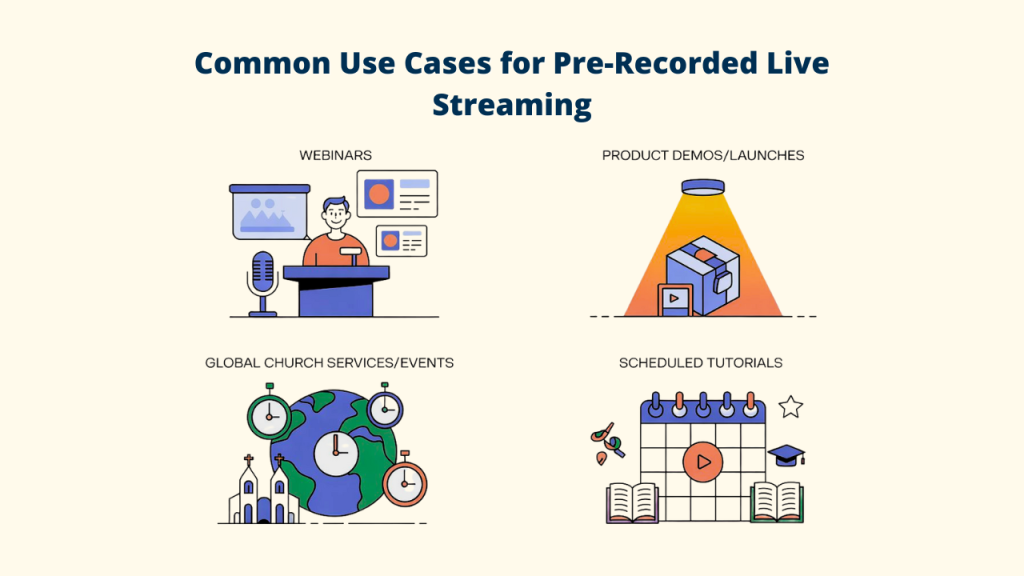
✔️ Webinars: Delivering a perfect, complex presentation without the risk of a live technical glitch.
✔️ Product Demos/Launches: Ensuring the showcase video is flawless before the big reveal.
✔️ Global Church Services/Events: Broadcasting to multiple time zones at their optimal viewing time.
✔️ Scheduled Tutorials: Consistent, high-quality lessons released simultaneously on multiple channels.
Why beginners prefer it: You get a ‘do-over’ button. You can record, edit out mistakes, and ensure your first ‘live’ impression is your best impression, removing the pressure of live delivery.
Benefits of Pre-Recorded Live Streams for Beginners
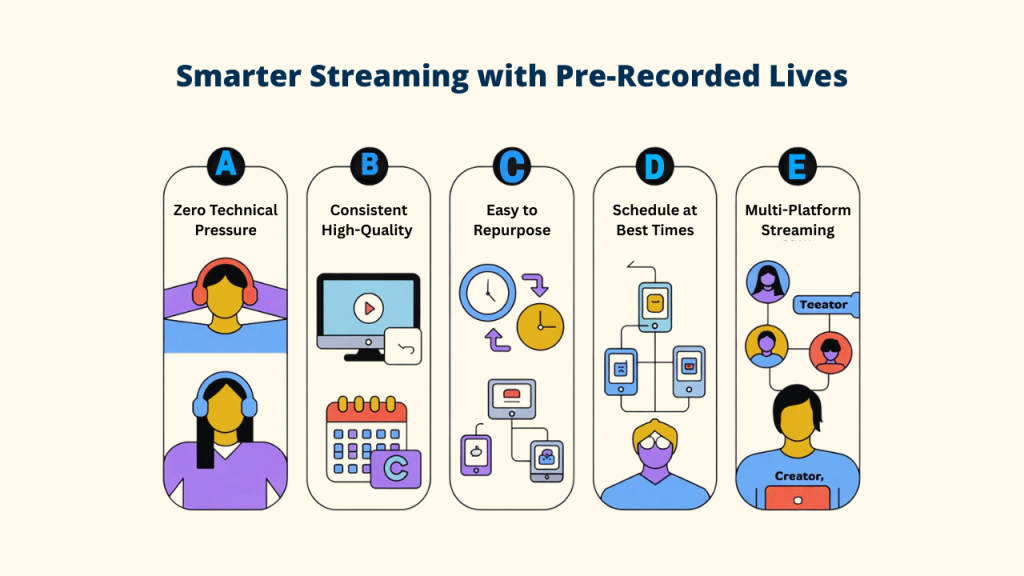
✅ Zero Technical Pressure
With pre-recorded live streams, you can upload your video whenever you’re ready and schedule it for later. No need to worry about slow internet, sound issues, or random distractions.
Your video plays smoothly while you focus on chatting with viewers. Tools like Livecaster help you go live with stable RTMP support and smooth streaming.
✅ Consistent, High-Quality Output
Since everything is recorded beforehand, you control the lighting, sound, edits, and visuals.
Your stream stays sharp in 1080p or 4K with clear audio and neat graphics. Every session looks polished and stays true to your brand, without the surprise problems of real-time streaming.
✅ Saves Time & Easy to Repurpose
You can pre-record once and then livestream it multiple times. Your webinar, tutorial, or event can reach viewers in different time zones without you presenting again.
One recording, many live sessions.
✅ Schedule at the Best Times
You can set your pre-recorded live stream to go out when your audience is most active, even if you’re asleep or busy.
Perfect timing = better engagement.
✅ Multi-Platform Streaming
Pre-recorded live streaming tools allow you to live stream to YouTube, Facebook, LinkedIn, Twitch, and other platforms all at once. Pre-recorded content eliminates the need for multiple live setups.
✅ Ideal for Marketers, Educators & Creators
– Marketers: Launch polished product demos everywhere at once.
– Educators: Deliver consistent lessons without repeating sessions.
– Creators: Keep a steady posting schedule without burnout.
– Businesses: Run professional virtual events without big production teams.
How Does a Pre-Recorded Live Stream Work?
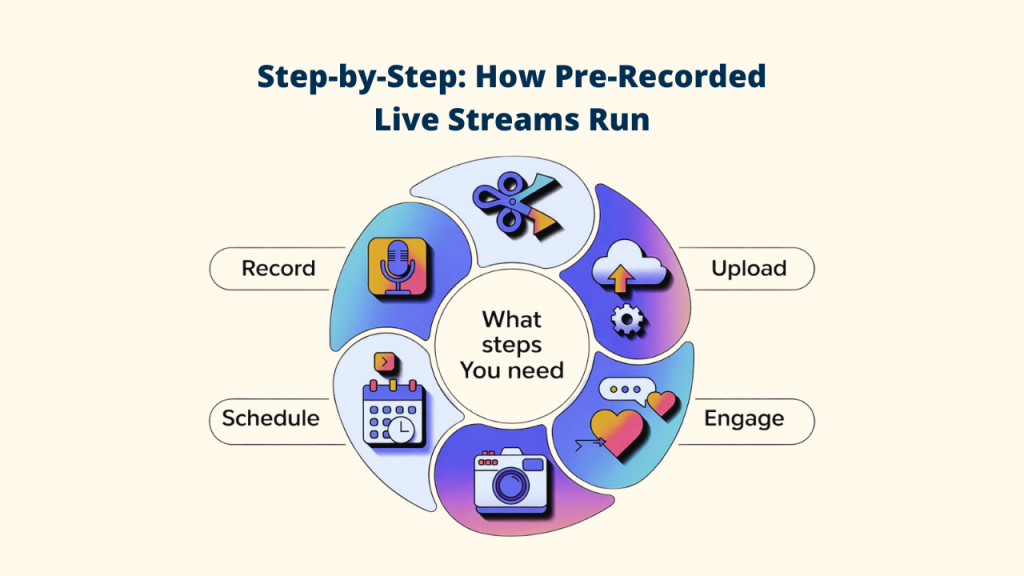
Transforming a pre-recorded live stream video into a “live” stream is simple and beginner-friendly. This is how it operates:
Step 1: Record Your Content
In this first step, you can re-record your live stream video with any screen recorder, camera, or smartphone. Concentrate on clear delivery and value; you can correct errors later.
Step 2: Edit and Polish (Optional)
If you want the pre-recorded live stream to look polished, you can:
- Fix errors
- Add simple graphics
- Adjust audio levels
- Insert intros, outros, or call-to-action slides
This step helps your “live” stream look clean and professional.
Step 3: Upload to a Live Stream Platform
Next, upload your finished video to a pre-recorded live stream platform such as Livecaster, Restream, or similar tools. Connect your stream to platforms like YouTube, Facebook, Instagram, Twitch, and more.
Step 4: Schedule Your “Live” Stream Broadcast
With the next one, you need to choose your date, time, and platforms. Most tools let you schedule multiple replays, customize chat messages, and automate stream settings.
Step 5: Engage During the Broadcast
When your pre-recorded live stream airs, it plays automatically and starts the stream. You can join the chat and talk with viewers in real time without the pressure of being live on camera.
💡 What You Need
Hardware: Phone or computer, camera, optional mic, and stable internet.
Software: Editing tool (optional) and a pre-recorded streaming platform (many handle technical tasks automatically).
These tools let you focus on content while the platform manages the “live” stream.
Best 7 Pre-Recorded Live Streams for Beginners’ Tools
1. Livecaster
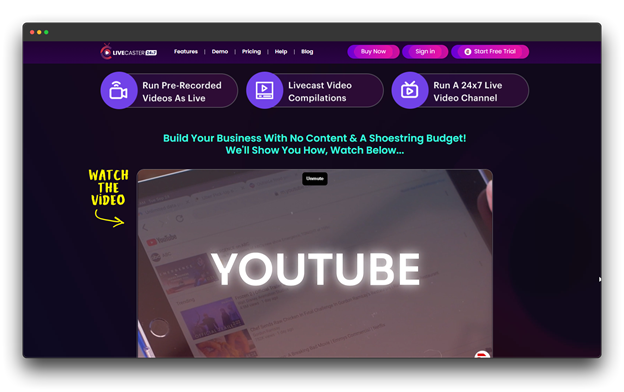
Livecaster is a dedicated automated live streaming software that lets you schedule and broadcast pre-recorded live stream videos as live across multiple platforms like YouTube, Facebook, instagram, and Twitch.
It’s built for creators, marketers, and businesses who want professional results without the technical hassle.
Pros
✔️ Excellent scheduling and calendar-based automation
✔️ Reliable multi-platform streaming
✔️ Helpful customer support and tutorials
✔️ No need for external encoders like OBS
Cons
❌ Fewer advanced customization features
❌ Limited overlay options
❌ Costs may increase for high-volume streaming
Pricing: $27 per month
What Makes It Different
Designed specifically for automated pre-recorded live streams, Livecaster provides a clear, user-friendly setup that lets users schedule once and stream flawlessly; no complex configurations are required.
2. LiveReacting
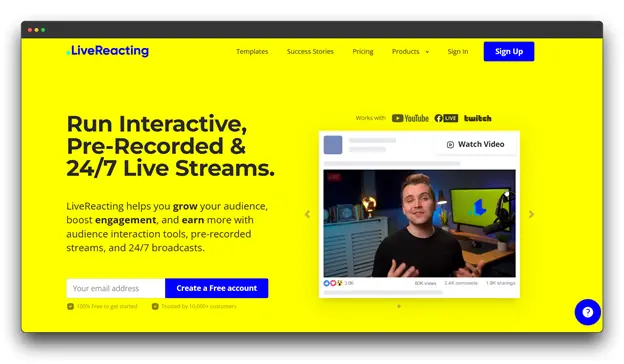
By combining AI-powered automation with interactive features such as virtual hosts, polls, and games, LiveReacting makes pre-recorded live streams feel authentic and engaging across multiple platforms.
Pros
✔️ AI virtual hosts add personality and realism
✔️ Built-in polls, quizzes, and games for engagement
✔️ Multi-platform support
✔️ Regular updates and new features
Cons
❌ Slight learning curve for AI customization
❌ Virtual host quality varies by setup
❌ May feel less formal for corporate use
Pricing: $33 per month
What Makes It Different
For creators who want captivating, camera-free “live” content, LiveReacting is perfect because of its AI virtual host feature, which adds life and interaction to automated streams.
3. Restream
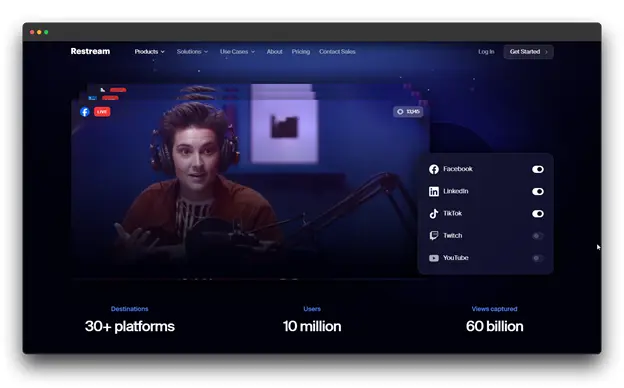
When discussing pre-recorded live streams, you can mention Restream, which is one of the most well-known names in multistreaming, providing powerful tools for broadcasting to multiple platforms at once.
While it supports live streaming, its scheduling features make it excellent for pre-recorded content.
Pros
✔️ Stream to 30+ platforms simultaneously
✔️ Unified cross-platform chat
✔️ Professional analytics and high reliability
✔️ Strong community and support resources
Cons
❌ Feature-heavy for beginners
❌ Advanced tools are locked behind premium plans
Pricing: $39 per month
What Makes It Different
Restream stands out for its unrivaled multistreaming capabilities and unified chat system, making it ideal for creators and brands looking to reach multiple audiences at once.
4. Prism Live Studio
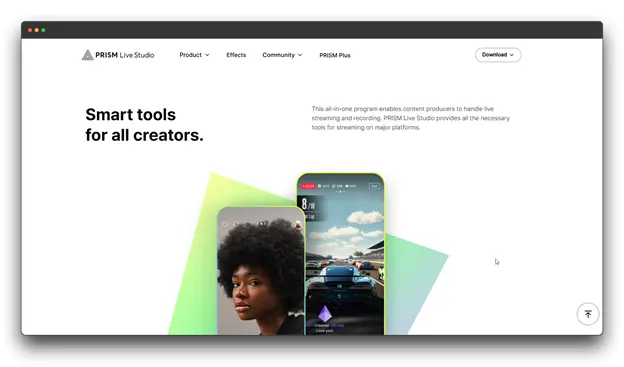
With streamlined controls tailored for social media platforms and a pre-recorded live stream for beginners and content, Prism Live Studio offers a professional-grade streaming interface that competes with traditional broadcasting software.
Pros
✔️ High-quality production and overlays
✔️ Easy-to-use yet powerful interface
✔️ Highly effective remote control app
✔️Smooth, low-latency performance
Cons
❌ Slightly technical for beginners
❌ Supports fewer platforms than competitors
❌ Some advanced features are paid
Pricing: Custom Pricing
What Makes It Different
This pre-recorded live stream, which offers studio-quality feeds and a feature-rich mobile app perfect for artists looking for flexibility and visual polish, can strike a balance between simplicity and pro-level capability.
5. Dacast
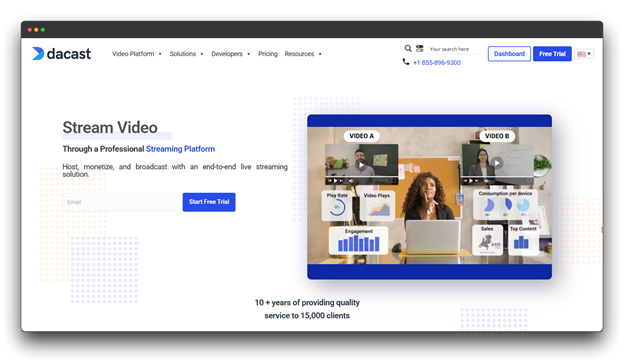
Dacast is an enterprise-level streaming platform that excels at both live and on-demand video delivery. While it’s powerful for large organizations, its pre-recorded streaming features work well for smaller creators too.
Pros
✔️ White-label and full branding options
✔️ Reliable, high-performance streaming
✔️ Built-in monetization (subscriptions, paywalls)
✔️ Strong security and access control
Cons
❌ Complex for beginners
❌ Pricing can be high for small users
❌ Overkill for simple setups
Pricing: $39 per month
What Makes It Different
For companies or creators looking for branded, profitable pre-recorded streams, Dacast stands out for its enterprise-level infrastructure and monetization tools.
6. Filmora (Wondershare)
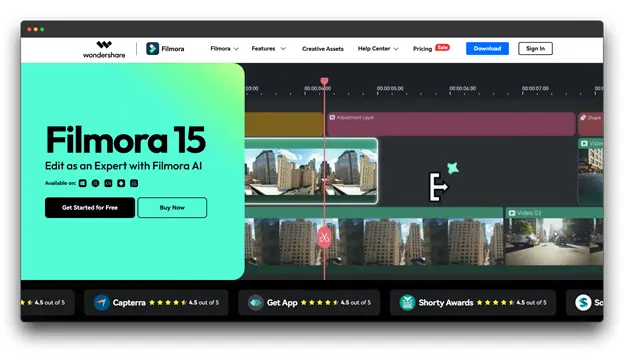
Although Filmora is best known for its video editing software, more recent iterations have pre-recorded live streaming features that let you edit and stream from the same platform. This integration makes it particularly useful for pre-recorded live stream workflows.
Pros
✔️ All-in-one editing and streaming solution
✔️ Rich effects, transitions, and templates
✔️ Beginner-friendly interface
Cons
❌ Limited streaming destinations
❌ Less advanced than dedicated streaming tools
❌ Editing and streaming combo may overwhelm new users
Pricing: $34.99/yearly
What Makes It Different
For creators looking for ease and creative control, this tool offers a seamless workflow to edit and broadcast from a single platform by combining professional editing and pre-recorded live streaming with Filmora.
7. Livepush
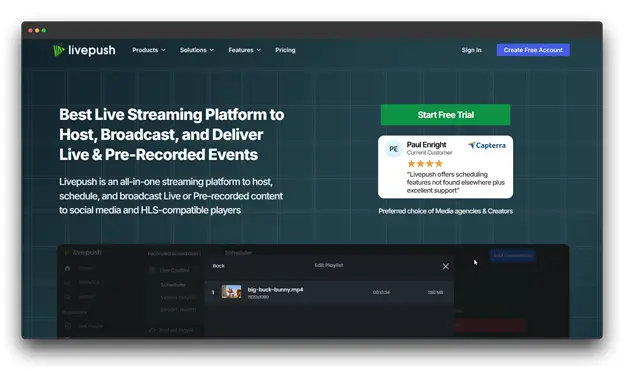
With an emphasis on usability, Livepush streamlines the entire pre-recorded live stream process.
Upload your video, select your platforms, and set your schedule that’s it. Perfect for novices who wish to see results without dealing with technological difficulties.
Pros
✔️ Extremely simple interface
✔️ Reliable scheduling and broadcasting
✔️ Outstanding client service
✔️ Transparent pricing structure
Cons
❌ Limited advanced features
❌ Fewer customization options
❌ Smaller platform compared to established competitors
Pricing: $39 per month
What Makes It Different
This keeps everything simple. The advanced streaming tool, Livepush, removes almost all technical work. You focus on your content, and the platform handles the rest. It’s truly ‘set it and forget it’ streaming.
Conclusion
Pre-recorded live streaming (Simulive) is becoming a must-have tool for creators, businesses, and beginners. It gives you the best mix of all worlds high-quality edited video, smooth automation, and the excitement of a live session.
With this method, your content always looks polished, your delivery stays consistent, and you can focus fully on talking to your audience instead of worrying about technical issues.
If you want an easy way to begin, Livecaster is a great choice. It turns your video files into scheduled, hands-free live events, making it perfect for anyone starting out.
Ready to launch your first effortless “live” stream? Your audience is waiting.
FAQs About Pre-Recorded Live Stream for Beginners
Q: Will viewers recognize that this is a pre-recorded live stream?
Ans: Most of the time, no. If your content feels fresh and you stay active in the live chat, viewers usually can’t tell the difference.
Q: Is it misleading to label pre-recorded live stream content as “live”?
Ans: The majority of platforms and industry experts concur that the experience is functionally “live” for the audience as long as you are present in the chat to interact with them, respond to their questions, and do so in real time. The key is to manage the interaction.
Q: Can I live-stream the same video multiple times?
Ans: Yes! Schedule replays across different time zones or audiences just avoid overusing identical content.
Q: How long can my pre-recorded live stream be?
Ans: It depends on the platform. YouTube allows over 12 hours, while Facebook supports around 8 hours. For the best results, keep your stream between 30 – 60 minutes.